
Implementing my Brand
- Natalia Muñiz Blasco
- Oct 15, 2021
- 2 min read


Hi everyone!
In the last post, I introduced the final look of my brand... Now I want to show you how I carry out the branding on this blog, as well as how I will carry out the branding on my social media.
Hope you will enjoy this post!
xx Natalia
General Branding:
In the blog, I changed the theme and established a thread of "Featured posts". I also made my logo the main image at the top, and designed another image as a "Welcome" image to my blog that established the colour theme.
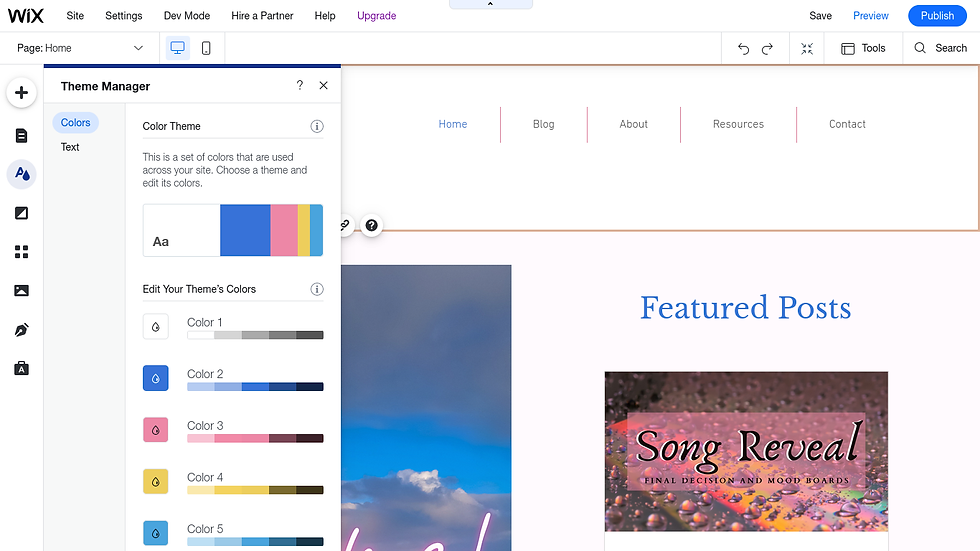

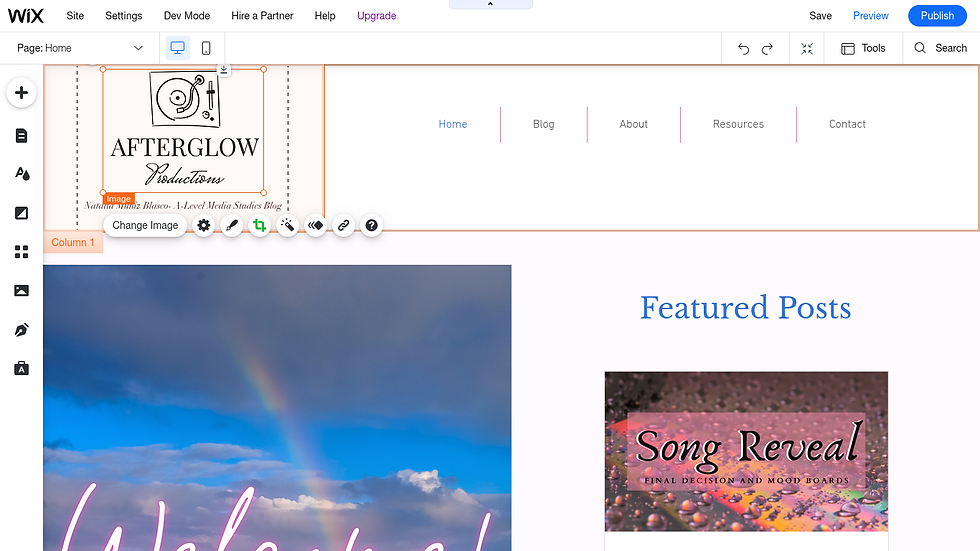
I also already started creating the page for my featured artist. However, I still need to take my own pictures and add the description. Furthermore, I have also added a quote about artists and included my own sunset picture of the clouds to complement the quote.


Canva and Branding:
Last year I used Google Slides to create the images for my blog and make sure they followed the theme. However, this year I am using Canva because I find it much more efficient and I think it looks more professional.


I use Canva both for the extra images for my posts (mood boards, etc.) and for the background of my posts. I use one document for all the different backgrounds to make sure they follow a colour pattern.
Other Branding Tools:
Other branding tools which I am using are Google Slides for very specific things, such as the presentation for my Initial Idea Pitch, or the Spotify Playlist I made.
Another useful tool that I found is a website to remove the background of photos:


I have used this website to remove the background from my logo so that I can use it with different backgrounds and on social media more freely and making it look more clean-cut.
Next Steps:
After I send the copyright letter and make sure I can use the song "False Confidence" for my music video, I will create the social media page and use Canva and other apps to create an Instagram page for the artist and the song.
Stay tuned to find out more!
xx Natalia


Comments